14:02
We hid a live goose in our friend's car
Prank Patrol
2.1M views · 2 days ago
A regular YouTube account has no button that blocks a channel (supervised child accounts do). The closest built-in option, "Don't recommend channel", is feedback that tells YouTube to show the channel less in recommendations. TubeBlock, a free browser extension, adds a real Block channel button that hides the channel from Home, search, Up next and Subscriptions.
Demo feed: press Block channel on any card
Made-up channels and videos. This is a live preview of how TubeBlock behaves on YouTube.
Showing all 9 items. Nothing is hidden yet.
We hid a live goose in our friend's car
Prank Patrol
2.1M views · 2 days ago
Building a walnut side table with hand tools
Quiet Woodshop
48K views · 1 week ago
Every new phone is a scam (reaction)
Hot Take Arena
890K views · 5 days ago
Three days on the slowest train in Portugal
Slow Travel Club
75K views · 2 weeks ago
Fake lottery ticket prank on my dad
Prank Patrol
3.4M views · 1 month ago
One-pan lemon chicken in 30 minutes
Kitchen Notes
120K views · 3 weeks ago
Reacting to the worst movie of the year
Hot Take Arena
1.1M views · 6 days ago
Why the Monty Hall problem feels wrong
Math in Motion
260K views · 4 days ago
Pranking strangers for 24 hours straight
Prank Patrol
5.0M views · 3 months ago
Everything in this demo feed is hidden. Use Undo or Reset to bring it back.
So, can you block a YouTube channel? With YouTube's own settings, only partly. There are three tools that people often mix up, and none of them removes a channel from everything you see:
Parents who supervise a child's account can use "Block channel for kids" on regular YouTube, and the block also applies in YouTube Kids when the same account is used there. A regular, non-supervised account has no block button, which is why "how do I block a YouTube channel from showing up" is such a common question.
Download the free zip and load it in Chrome, Edge, Brave or Opera. The install guide walks you through it in about a minute; no account is needed.
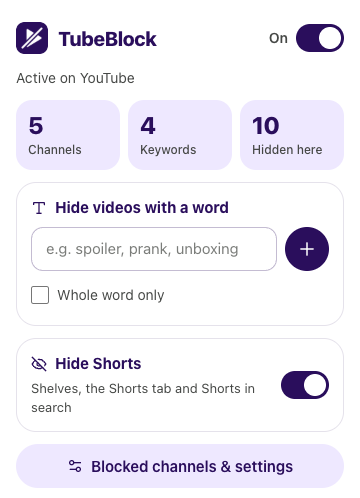
Open youtube.com and hover over a video card: a small Block channel button appears. Channel pages get one next to the channel name. Press it on any video from the channel you are done with.
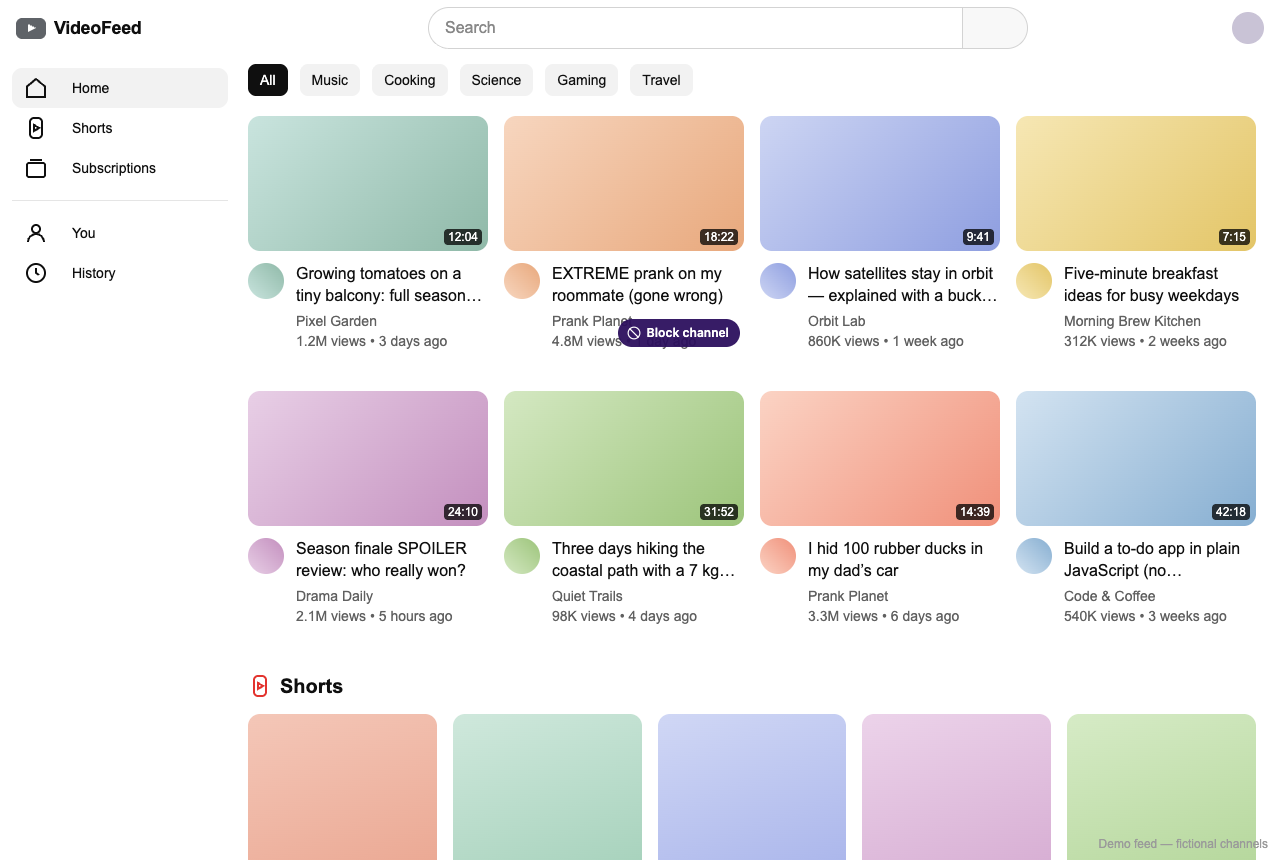
All videos from that channel disappear from the page and stay hidden as you browse. To change your mind, press Undo right away, or open TubeBlock's settings and press Unblock next to the channel.
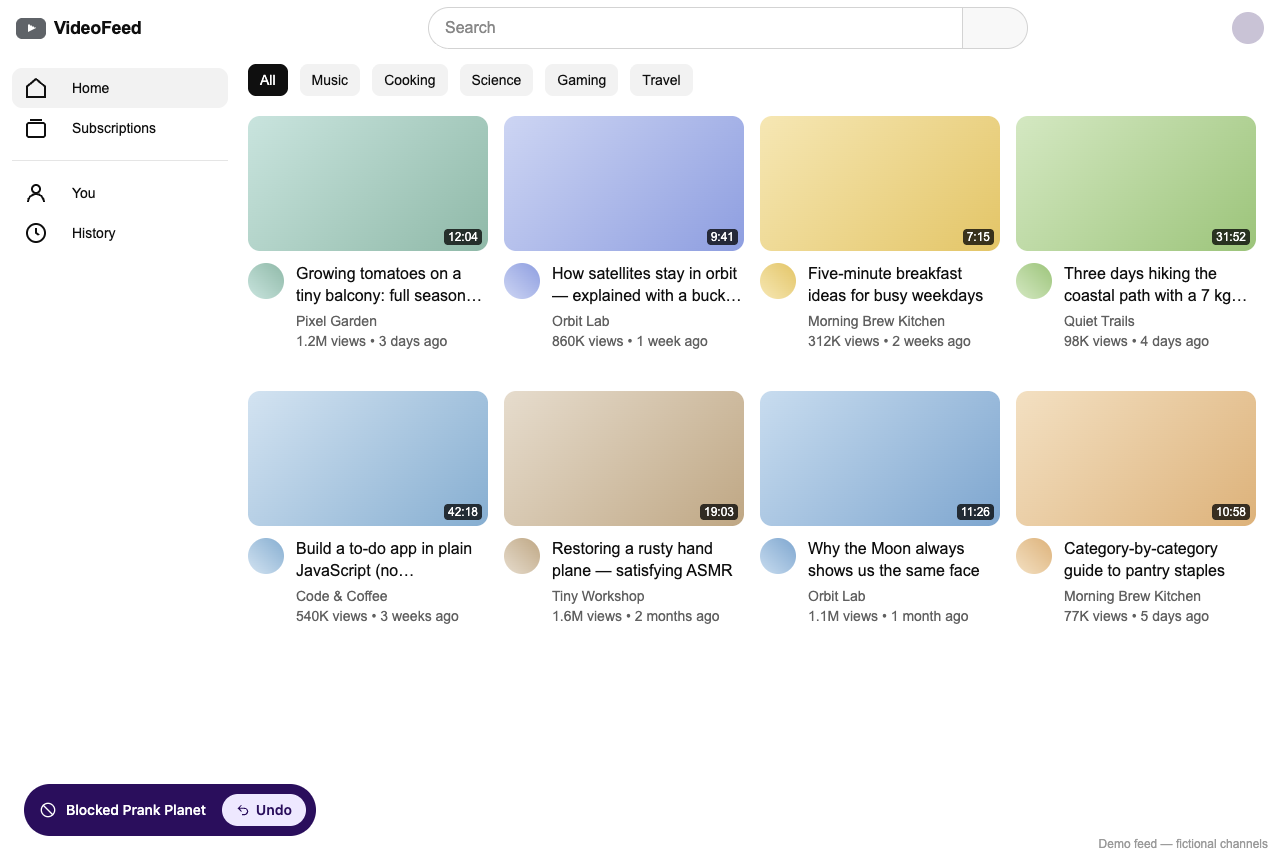
| Place on YouTube | With a blocked channel |
|---|---|
| Home feed | Its videos are hidden |
| Search results | Its videos and the channel result are hidden |
| Up next sidebar on a watch page | Its videos are hidden |
| Subscriptions feed | Its videos are hidden |
| Shorts shelves | Only when YouTube shows the channel on the Short; use Hide Shorts to remove them all |
| A video opened from a direct link | Still plays: TubeBlock hides cards, it does not block pages |
| Comments by that channel | Not hidden |
| What you want | YouTube "Don't recommend channel" | TubeBlock |
|---|---|---|
| Fewer videos from the channel on Home | Shown less, not guaranteed | Yes, none at all |
| Channel hidden in search results | Not promised | Yes |
| Channel hidden in Subscriptions | Not promised | Yes |
| A list of what you blocked | No | Yes, in settings |
| Undo for one channel | No, only clearing all feedback | Yes |
| Works in the phone and TV apps | Yes, tied to your account | No, desktop browser only |
| Needs a Google account | Yes, signed in | No |
On a regular account, not with YouTube's own tools: there is no block button, only "Don't recommend channel", which shows the channel less in recommendations. Parents of a supervised child account can block channels. A browser extension like TubeBlock can hide it everywhere on youtube.com on your computer.
YouTube has no setting for this. With TubeBlock installed, block the channel once and its videos and channel card no longer appear in search results.
No. It is feedback that the channel likely isn't something you enjoy, so YouTube shows it less in recommendations. You can still find and watch the channel, and its videos can appear in search and elsewhere.
No. TubeBlock only hides cards on your screen. Nothing is sent to YouTube or to the channel owner.
Not with TubeBlock: it does not work in the YouTube mobile apps, on smart TVs, in YouTube TV or in YouTube Kids. On those, "Don't recommend channel" and, for a supervised child account, "Block channel for kids" are the built-in options.
Open TubeBlock's settings, find the channel in the Blocked channels list (there is a search box) and press Unblock. Its videos come back as YouTube loads new cards or when you reload the page.
Last updated
TubeBlock is free, needs no account and keeps your lists in your browser. It works in Chrome, Edge, Brave and Opera on a computer.